










With so many conveyor model variants on offer, how do you make equipment selection and design actually save time?
Conveyor lines come in a wide range of models, and different line types plus their matching accessories differ in dimensions, precision, operating mode, transfer efficiency and functional configuration. Traditional selection and design — hand-drawing layouts, adjusting parameters, preparing quotations — is laborious at every step. This is where a dedicated industrial software tool comes in: Vitrans EnginePro, a production-line layout design tool built specifically for automation engineers.
1. What Problems Does It Actually Solve?
1.1 Pick a Line Template from the Built-in Model Library
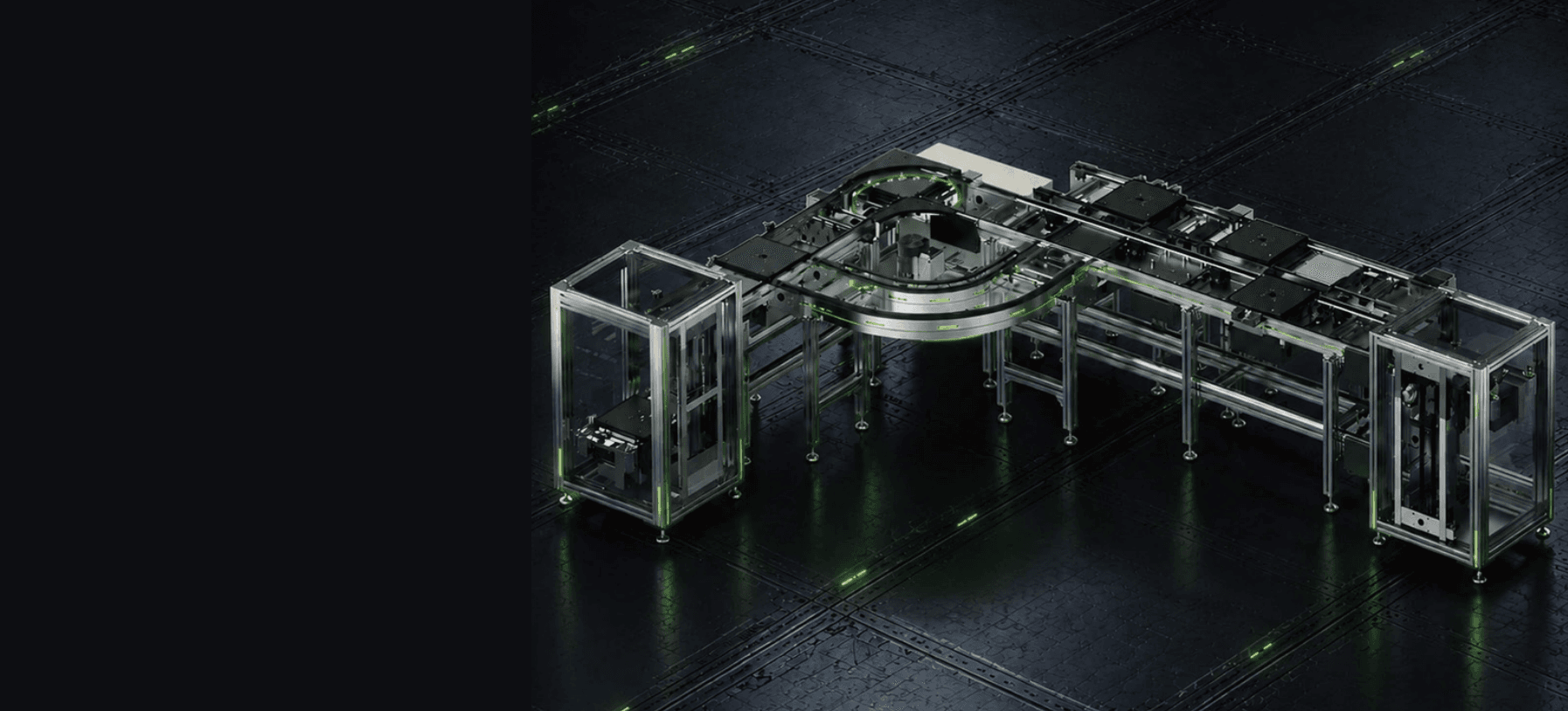
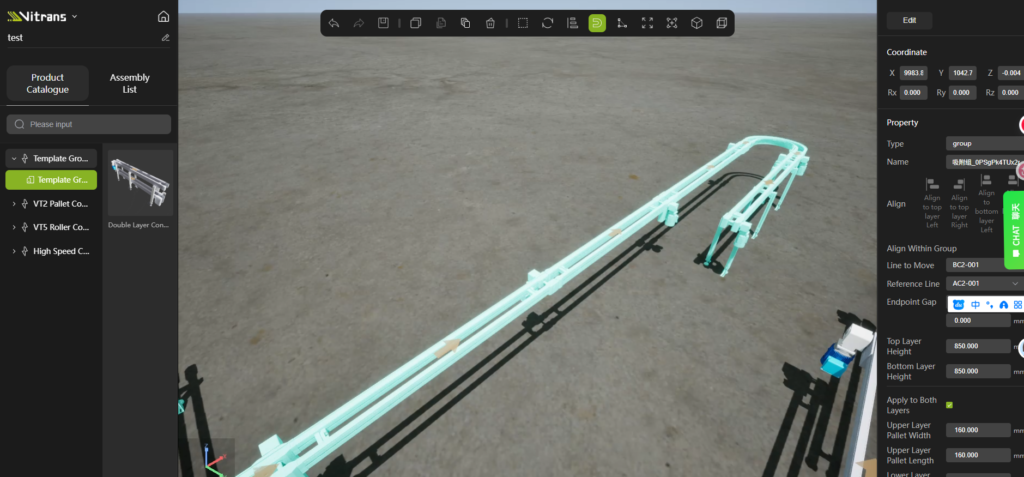
EnginePro ships with a complete component model library for conveying systems, covering every kind of conveyor equipment, aluminum profiles, drive motors, support legs and other dedicated accessories. Users build the required line dimensions through drag-and-drop controls and the smart snap function. No manual parameter calibration needed, which greatly cuts down modeling errors.
1.2 Match the Right Components to Each Conveyor Type
Suitable component sizes differ from one conveyor model to another. Some lines work with lifting units; others cannot support multi-layer or circular layouts; some require a specific motor brand.
On the design canvas, users can freely adjust width and length, floor clearance, profile segment length, pallet position, conveying direction and speed, plus motor mounting position and brand, and quickly generate support legs to fit each line configuration.
1.3 Fine-Tune Further with Parameter Ranges
- Accuracy grade
- Coordinate position
- Rotation angle
- Running speed
- Conveying height
Users can select and precisely adjust each parameter manually according to actual operating needs. Custom non-standard sizes are also supported, meeting the requirements of personalized, tailor-made production-line design.
1.4 Multi-Format Export for Every Work Scenario
The system exports three core formats: JSON layout files, STP 3D models and Excel-format BOM lists. It covers the full workflow of project archiving, 3D preview and equipment procurement, integrating design, documentation, communication and on-site delivery without dropping a single step.
1.5 Design Together as a Team
The tool supports project link sharing, member permission management, project renaming, version notes, copy and delete operations. Multiple team members can collaborate, and every iteration of the proposal is recorded accurately — directly eliminating proposal confusion and lost versions.
Auto-save and session timeout protection are built in. Once enabled, they effectively prevent file loss caused by network fluctuation or idle freezes, keeping your design work safe.
2. From Proposal to Project Delivery
2.1 A More Efficient Selection & Design Process
Vitrans EnginePro strips away the redundant complexity of general-purpose modeling software and focuses on the real needs of the conveyor industry. It provides accurate data support for equipment inquiry, procurement and cost estimation, substantially cutting design time and raising overall efficiency.
2.2 Lightweight, Visual and Fast to Operate
The whole design workflow balances ease of use for beginners with professional accuracy for experts. It helps automation practitioners simplify line design, shorten project cycles, reduce communication errors and standardize project management.
3. Get Started Today
Login address: https://vitrans-conveyor.com/vitrans-engine-pro/
Open the link, click register and create an account in about one minute. After logging in, follow the guide to import your project and start designing. If you run into any issues during selection and design, or need help with configuration, the Vitrans team is always available for support.